Watch
See it move.
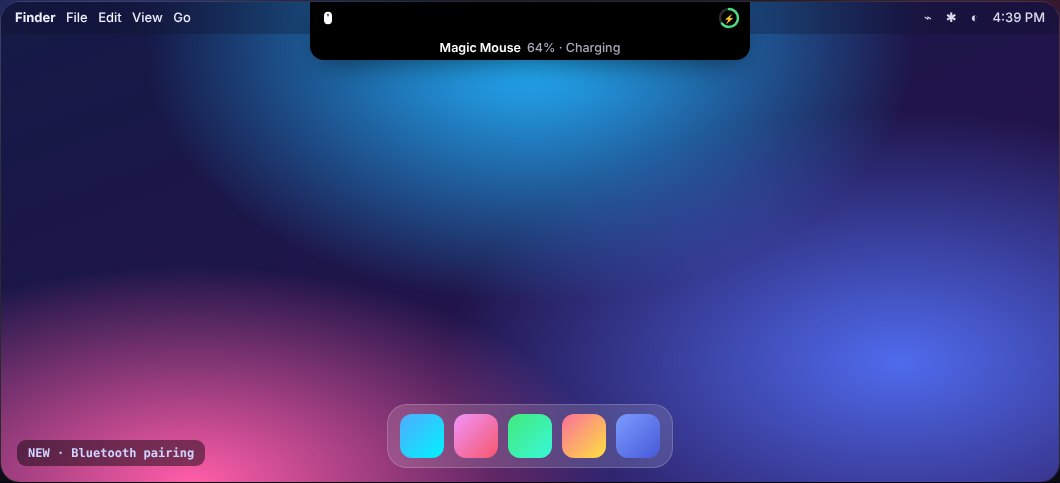
Music, volume, brightness, pairing, charging and the open notch — recorded straight from the demo.
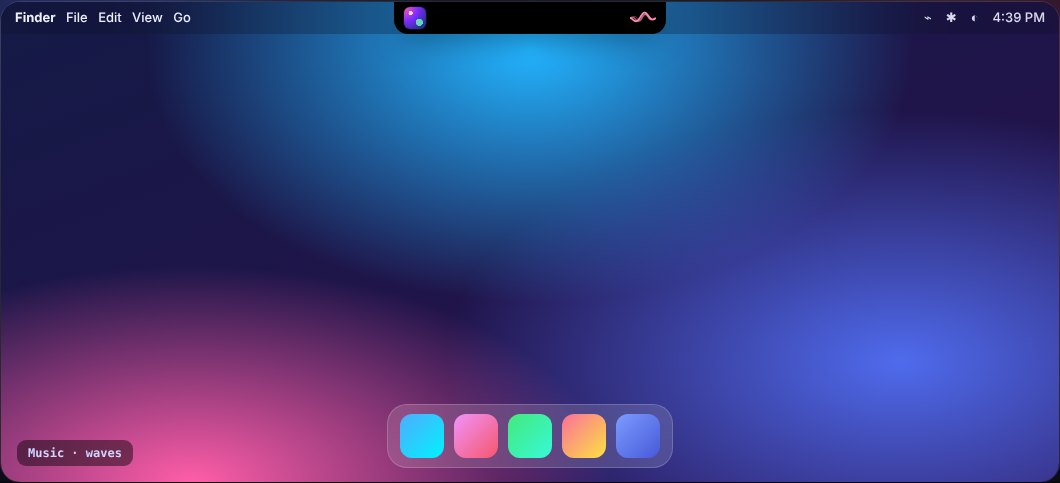
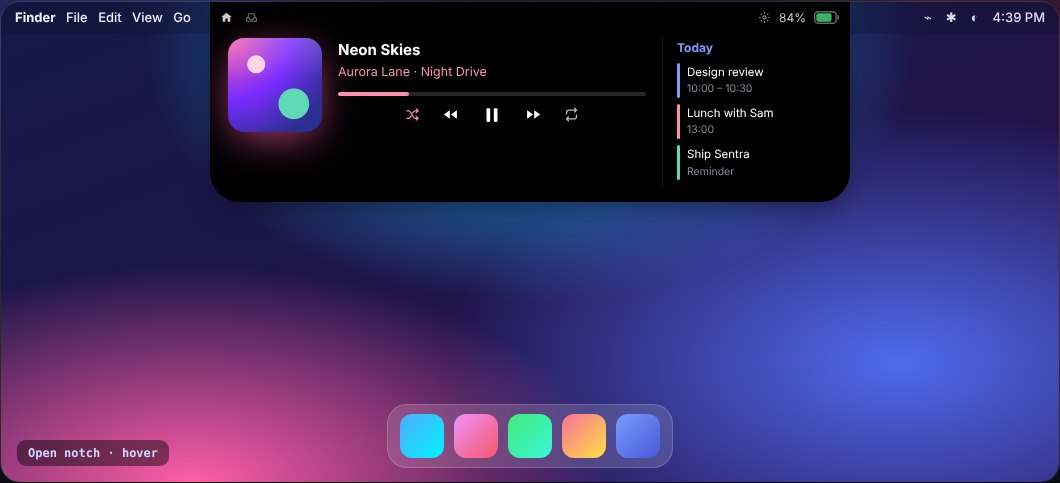
Sentra Notch turns the MacBook notch into a living control centre — music with flowing waves, smooth volume & brightness, devices that announce themselves, your day, your files. Hover and it opens.
Every live activity you love — plus new ones — tuned to animate in 2–3 seconds and get out of your way.
Turn on your Magic Mouse or pop open your AirPods — the notch spins its icon for two seconds, then shows exactly how much battery is left.
Music, volume, brightness, pairing, charging and the open notch — recorded straight from the demo.
Midnight, Glass, Aurora glow or pure OLED. Six accent colours or your own. Waves, bars or pulse for music.
Get SentraNotch.dmg and open Sentra Notch. It offers to move itself to Applications — one click and it's installed.
Right-click the app → Open (it's a free indie app, not notarized yet). Or run:xattr -dr com.apple.quarantine "/Applications/Sentra Notch.app"
That's it. Click ✨ in the menu bar for settings. Updates arrive inside the app — Settings → About → Check for Updates.
Yes — completely free and open source under the MIT License.
Yes. On external displays and Macs without a notch it draws a sleek virtual notch at the top of the screen.
Anything that shows in Control Centre: Apple Music, Spotify, YouTube and other sites in your browser, podcasts and more.
None to start. Calendar, Camera (mirror) and Accessibility (to replace Apple's volume pop-up) are optional and only asked when you turn those features on.
Yes. Turn on Accessibility for Sentra Notch (System Settings → Privacy & Security → Accessibility) and notifications, reminders and Clock alarms appear in the notch with a little ring animation.
Sentra Notch checks once a day. Every update is cryptographically signed and verified before it installs.
Sentra Notch is inspired by the wonderful open-source Boring Notch, but it's an independent app written from scratch by Bubbles Aro, with new features like Bluetooth pairing animations.
Free download. No account. No tracking.